

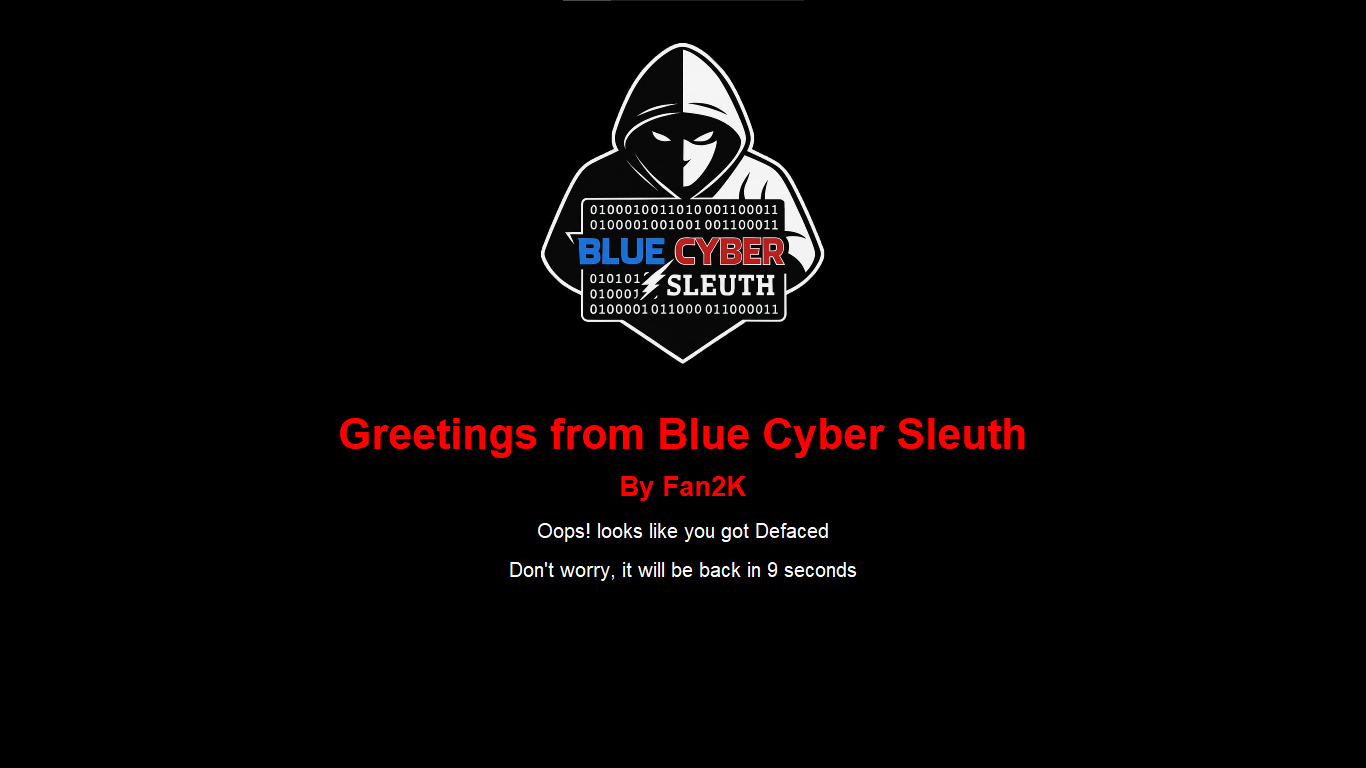
Windows Defacer is a Python-based system demonstration tool designed to simulate a "Defacement" scenario on Windows. It displays a fullscreen overlay with a countdown and triggers a Blue Screen of Death (BSOD) using native Windows APIs upon completion.
Source Inspiration: 0x7f9/blue-screen
Caution
Educational & Testing Purpose Only: This tool is designed for security research and educational purposes. Executing this script will cause your system to crash (BSOD). Use only in controlled environments like Virtual Machines.
- Fullscreen Overlay: A black, non-closable fullscreen window that stays on top of all applications.
- Visual Branding: Supports custom branding with a logo (as seen in
logo.png). - Real-time Countdown: Informs the user of the impending system crash.
- Native BSOD Trigger: Uses
ntdll.dll(NtRaiseHardError) to forcefully crash the Windows kernel. - Persistence Support: Includes a built-in feature to add the executable to the Windows Startup folder.
- Admin Privilege Support: Designed to run with administrative rights to access sensitive system calls.
To package this tool into a single standalone executable, use the following command with PyInstaller:
pyinstaller --onefile --noconsole --add-data "logo.png;." --icon ping_pong.ico deface.py--onefile: Bundles everything into a single.exe.--noconsole: Hides the command prompt window during execution.--add-data "logo.png;.": Embeds the logo into the internal temporary directory of the executable.--icon ping_pong.ico: Adds a custom icon to the executable.deface.py: The main script to be packaged.
The script includes an add_to_startup() function that provides persistence by copying the binary to the Windows Startup folder.
- Open
deface.py. - Locate the
if __name__ == "__main__":block at the end of the file. - Uncomment the call to
add_to_startup().
- Location: Copies itself to
%APPDATA%\Microsoft\Windows\Start Menu\Programs\Startup. - Filename: By default, it saves as
Ping Pong.exe.mal. - Auto-Trigger: To make it trigger automatically on every reboot, rename the destination file in
deface.pyby removing the.malextension (e.g.,Ping Pong.exe).
- OS: Windows (Required for
ctypes.windllandntdllcalls). - Python: 3.x
- Libraries:
tkinter(Standard library),PyInstaller(For building).
Install the build requirements using:
pip install -r requirements.txtThe creator of this tool is not responsible for any damage, data loss, or illegal use. This software is provided "as is" without warranty of any kind. Use it responsibly and at your own risk.