
The Reminder Application is a voice-activated tool built with Python, Tkinter, and Google Speech Recognition. It allows users to manage reminders by adding, editing, and removing them through an easy-to-use interface, streamlining organization and time management.
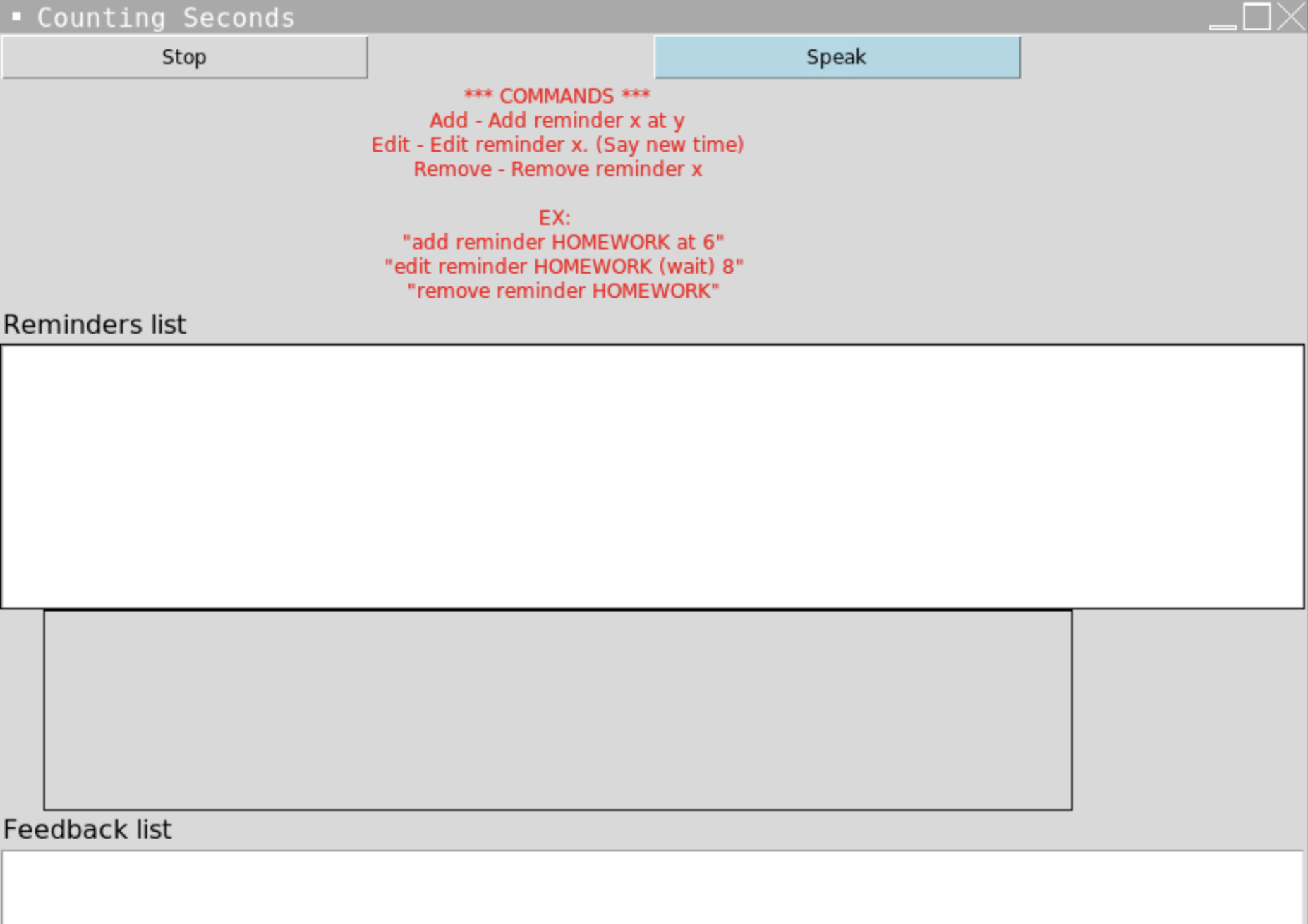
- Voice command support for adding, editing, and removing reminders
- Displays reminders and feedback on the user interface
- Simple and easy-to-use interface
Before running the application, ensure that you have Python 3.6 or later installed on your system. You can download the latest version of Python from The Official Python Website
Note: If you encounter issues installing PyAudio, you may need to install additional dependencies. Please refer to the [PyAudio Installation Guide (https://people.csail.mit.edu/hubert/pyaudio/#downloads) for more info.
-
Clone the repository or download the source code: using "git clone https://github.com/yourusername/reminder-application.git"
-
Change to the directory containing the source code: using "cd reminder-application"
-
Run the Python script: using "python reminder_app.py"
-
The application should now be running. You can start using voice commands to add, edit, or remove reminders.
- Add a reminder: Say "add reminder [reminder name] at [time]". Example: "add reminder homework at 6".
- Edit a reminder: Say "edit reminder [reminder name]" and wait for the prompt to say the new time. Example: "edit reminder homework", then wait and say "8".
- Remove a reminder: Say "remove reminder [reminder name]". Example: "remove reminder homework".
If you encounter issues with the application, please ensure that your microphone is working correctly and that you have granted the application permission to access your microphone. Additionally, check that you have installed all the required dependencies.
Feel free to open an issue or submit a pull request if you would like to contribute to the project.