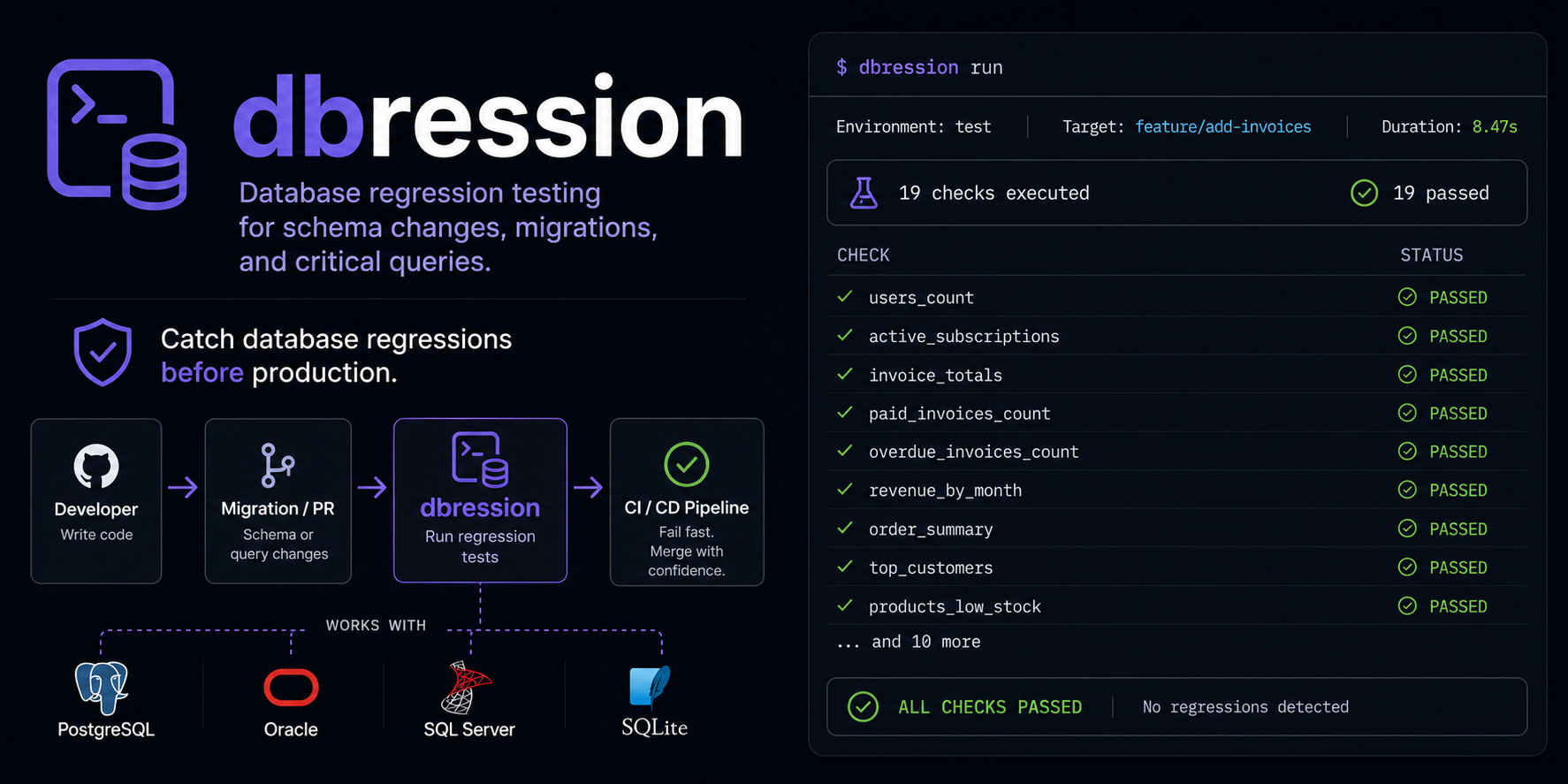


Modern, lightweight database regression testing — read your existing DBFit wikis, run them
anywhere. dbression is a Python re-implementation in the spirit of the fantastic DBFit Framework:
your .wiki suites stay, the Java runtime, the bulky FitNesse server, and the Browser based Wiki pages are gone. Multi-DB, pytest-style CLI, JUnit XML and JSON for CI as well as a developer and agentic friendly STDOUT.
$ dbression run tests/
dbression 0.2.0 — Suite: tests @ postgresql+psycopg://foo:***@db01/bar

✓ HelloSql                                  0.004s
  CommonSuite/
    ChangelistSuite/
      ✓ AAddBasicTest                       0.027s
      ✓ BAddNormalizationTest               0.029s
      ✓ CAddWhitelistTest                   0.025s
      ✓ DAddInvalidArgsTest                 0.014s
      ✓ ERemTest                            0.052s
      ✓ FViewTest                           1.236s
  EventsSuite/
    FireSuite/
      ✓ LookupTest                          0.157s
      ✗ SchemaTest                          0.013s

══════════════════════ FAILURES ══════════════════════
EventsSuite/FloodingSuite/SchemaTest :: Query Row-Mismatch
  SQL:    SELECT column_name, data_type FROM information_schema.columns WHERE ...
  Expected:  | id | integer | … |
  Actual:    | id | integer | … | catastrophic | boolean |
                                  ^^^^^^^^^^^^

══════════════════════ SUMMARY ══════════════════════
8 passed, 1 failed in 1.56s
| Pain with DBFit | dbression's answer |
|---|---|
| Java runtime + FitNesse server + 80 MB InstantClient | One pip install, pure Python, ~30 MB |
| CLI shows only pass/fail counts; failures only visible in web UI | Full exception, SQL, bind values, row diff in stdout |
| Stagnant, no recent releases | Active development, modern toolchain (uv, SQLAlchemy 2.0, Typer, Rich) |
| One driver per DB, Oracle thick-mode only | Postgres (psycopg), SQL Server (pymssql), Oracle (oracledb thin) — no native libs needed |
| No CI integration | JUnit XML + JSON out of the box |
LLM-friendly by design. Failures land as text — paste them into Claude/ChatGPT/Copilot and the model gets every detail it needs to suggest a fix, no screenshots, no context-switching.
# install (we use uv, but pip works too)
uv tool install dbression          # or: pipx install dbression
                                   # or: pip install dbression

# run
dbression run tests/
There's also an examples/ folder with three runnable demo suites
(hello-SQL, stored-procedure-with-capture, schema-drift via Inspect Table) — each
file is browsable Markdown and an executable test.
Drop a .wiki file in a folder with a _root.wiki and a connection.properties:
tests/
├── _root.wiki
├── connection.properties
└── HelloSql.wiki
_root.wiki:
!|DatabaseEnvironment|postgres|
|ConnectUsingFile|connection.properties|
connection.properties:
service=localhost
username=postgres
password=${POSTGRES_PASSWORD}    # env-var expansion supported
database=mydbHelloSql.wiki:
!|Query|select 'OK' as connection|
|connection|
|OK|
$ dbression run tests/
✓ HelloSql   0.004s
1 passed in 0.04sThe full DBFit fixture subset that real-world suites actually use:
| Fixture | What it does |
|---|---|
Query |
SELECT with expected rows; >>name captures values, <<name reads them back |
Execute / Execute Ddl |
Run arbitrary SQL/PL-SQL/DDL |
Execute Procedure |
Call a stored procedure (dialect-aware: SELECT/CALL PG, EXEC MSSQL, BEGIN…END Oracle) |
Execute Procedure Expect Exception |
Assert a procedure raises a specific SQLSTATE or ORA code |
Insert / Delete |
DML with column-header + value-rows, <<sym substitution, >>id capture via RETURNING |
Set Parameter |
Set a symbol/bind variable from the wiki |
Inspect Table / Inspect View / Inspect Procedure |
Schema introspection with optional diff against expected |
Store Query / Compare Stored Queries |
Snapshot a query result, compare snapshots later |
Plus the DBFit-isms you already rely on:
!- ... -!escape blocks for multi-line SQL with pipes- Oracle
q'~ ... ~'custom quoting :name(bind),<<name(cell read),_:name(text substitution before compile)- Nested sub-suites with
_root.wikiper directory SuiteSetUp/SuiteTearDownper suite, with one transaction wrapping everything- YAML-style front-matter for tags:
--- Suites: critical NotOnCI ---
If you'd rather never see FitNesse wiki syntax again, write your tests in plain Markdown — the same file is a readable document and a runnable test:
# Example test

<!-- dbression:env=postgres -->
<!-- dbression:connection=conn.properties -->

### Query

```sql
select count(*) as cnt from wlk.app_selectset where oid = 999900001
```

| cnt |
|-----|
| 0   |

### Execute Procedure pr_foo_bar

| p_oid     | p_order           |
|-----------|-------------------|
| 999900001 | ASCENDING         |
Renders in GitHub, GitLab, Obsidian, Typora, VS Code out of the box — tables look clean, SQL is syntax-highlighted, directives are invisible (HTML comments). Conventions:
### <FixtureName> [args…]starts a fixture table (longest-prefix match against the registry)- A fenced
```sql … ```block directly below becomes the SQL argument forQuery/Execute/Store Query - The next Markdown table → column headers + data rows, with full DBFit idiom support (
>>capture,<<read,:bind) <!-- dbression:env=… -->,<!-- dbression:connection=… -->,<!-- dbression:tags critical, NotOnCI -->carry suite directives
Built-in migration tool:
dbression convert path/to/wiki-suite/    # mirrors the directory, generates a .test.md next to each .wiki
dbression convert one-file.wiki -o out.test.md
.wiki and .test.md may coexist — the Markdown file wins at runtime (newer format).
That lets you migrate one suite at a time.
dbression writes JUnit-XML (the universal CI lingua franca) and JSON (rich, for tooling) side
by side. Pick one or both.
pipelines:
  default:
    - step:
        name: dbression
        image: python:3.12
        script:
          - pip install uv
          - uv sync
          - uv run dbression run tests/ \
              --junit-xml test-reports/dbression-junit.xml \
              --json test-reports/dbression.json
        artifacts:
          - test-reports/**
Bitbucket scans test-reports/*.xml automatically and renders test results in the pipeline UI.
No plugin needed.
pipeline {
  agent any
  stages {
    stage('dbression') {
      steps {
        sh 'uv run dbression run tests/ --junit-xml test-reports/dbression-junit.xml --json test-reports/dbression.json'
      }
    }
  }
  post {
    always {
      junit 'test-reports/dbression-junit.xml'
      archiveArtifacts 'test-reports/dbression.json'
    }
  }
}dbression:
script:
- uv run dbression run tests/ --junit-xml test-reports/dbression-junit.xml
artifacts:
reports:
junit: test-reports/dbression-junit.xmldbression run <suite-path> # run an entire (sub-)suite
dbression run <path> -v # show every fixture table, not just the page line
dbression run <path> --tag critical # only run pages tagged `critical`
dbression run <path> --skip-tag NotOnCI # skip pages tagged `NotOnCI`
dbression run <path> --commit-mode page # DBFit-style: commit per page (default: rollback per test)
dbression run <path> --junit-xml report.xml # CI report
dbression run <path> --json report.json # programmatic / LLM consumption
dbression convert path/to/wiki/ # converts .wiki → .test.md (in-place)
dbression convert file.wiki -o out.test.md # single file with explicit output path
dbression versiondbression is WIP but already useful — running production-scale DBFit suites today across
Postgres, Oracle and SQL Server. Honest state of the parts:
| Component | Status |
|---|---|
| Wiki parser (DBFit subset) | ✅ verified |
| Fixtures (Query, Execute, Insert, Delete, Set Parameter, Execute Procedure, Inspect *, Store/Compare Query, Update) | ✅ |
| PostgreSQL | ✅ verified against a real-world suite |
| Oracle | ✅ verified against a real-world 19c suite via oracledb (thin) |
| SQL Server | ✅ verified against a real-world suite via pymssql |
| SQLite | ✅ via stdlib sqlite3 — no procedures (the DB has none) |
| JUnit XML + JSON output | ✅ |
.test.md native Markdown format + dbression convert |
✅ |
| Plugin entry-points for custom fixtures | ✅ |
Don't expect perfect compatibility with every obscure DBFit feature. We promise the subset real teams actually use, with a sharper UX and a tenth of the footprint.
dbression is small enough to read end-to-end in an afternoon. The whole thing is roughly:
src/dbression/
├── cli.py           # typer entrypoint
├── parser/          # wiki → AST
├── fixtures/        # one file per fixture family
├── db/              # connection.properties + SQLAlchemy engine factory
├── report/          # console + junit + json
├── runner.py        # transactions, savepoints, tag filtering
└── symbols.py       # capture / read / substitution
Adding a fixture is one decorator and a run() method:
from dbression.fixtures.base import Fixture, FixtureContext, FixtureResult, register

@register("My Custom Fixture")
class MyFixture(Fixture):
    def run(self, table, ctx: FixtureContext) -> FixtureResult:
        # ... use ctx.conn (SQLAlchemy Connection) and ctx.symbols
return FixtureResult(passed=True, message="OK")You don't have to fork dbression to add fixtures. Ship them in your own pip-installable package via an entry-point:
# your-plugin-pkg/pyproject.toml
[project.entry-points."dbression.fixtures"]
my-fixtures = "my_plugin.fixtures"
dbression discovers the entry-point at startup and imports the module — your @register
decorators do the rest. For quick ad-hoc plugins without packaging:
PYTHONPATH=/path/to/plugin DBRESSION_PLUGINS=my_plugin dbression run tests/Plugin import failures emit a warning and don't crash the run.
PRs welcome — please add a test that exercises the new behavior (we use pytest).
MIT — see LICENSE.