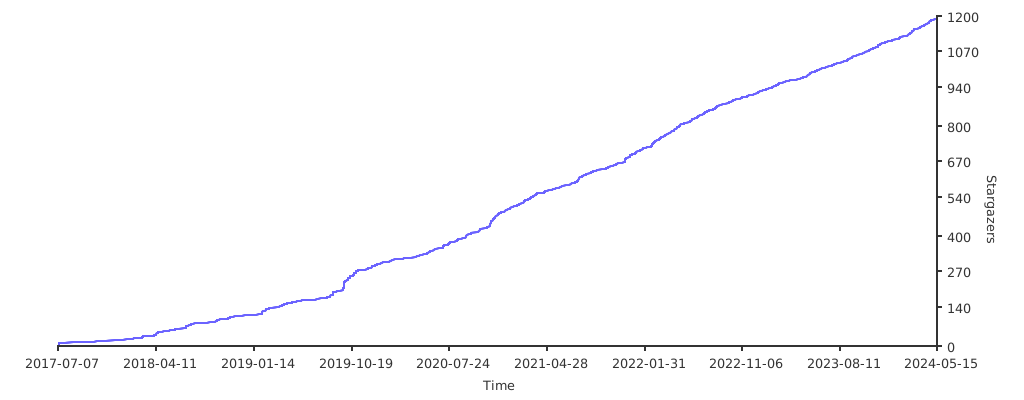
Plot your repo stars over time!
Star data comes from GitHub's star history API, which returns the number of stars a repository got on each day, grouped by week, without exposing who starred it.
Star charts plots one data point per day in which the repository got at least one star, so the resulting chart is accurate regardless of how many stars the repository has.
Responses are cached in Redis and revalidated with ETags, so repeated renders
of the same chart usually don't spend any API rate limit.
go run main.goThen browse http://localhost:3000/me/myrepo .
Configure via environment variables:
| Variable | Default | Description |
|---|---|---|
REDIS_URL |
redis://localhost:6379 |
Redis cache URL |
GITHUB_TOKENS |
- | GitHub API Token (supports multiple, comma-separated) |
GITHUB_MAX_RATE_LIMIT_USAGE |
80 |
API Rate Limit usage threshold percentage |
LISTEN |
127.0.0.1:3000 |
Server listen address |