
Use your VR headset as a face tracker while you play. Eyes, mouth, brows, and neck move on your model.
One window. A switch at the top picks where the face is sent:
- VTube Studio, through the plugin API on port 8001.
- iFacialMocap, the same UDP stream VMagicMirror and Warudo already listen for.
The tracking underneath does not change when you flip the switch. Sliders are remembered separately, because the two outputs were tuned differently.

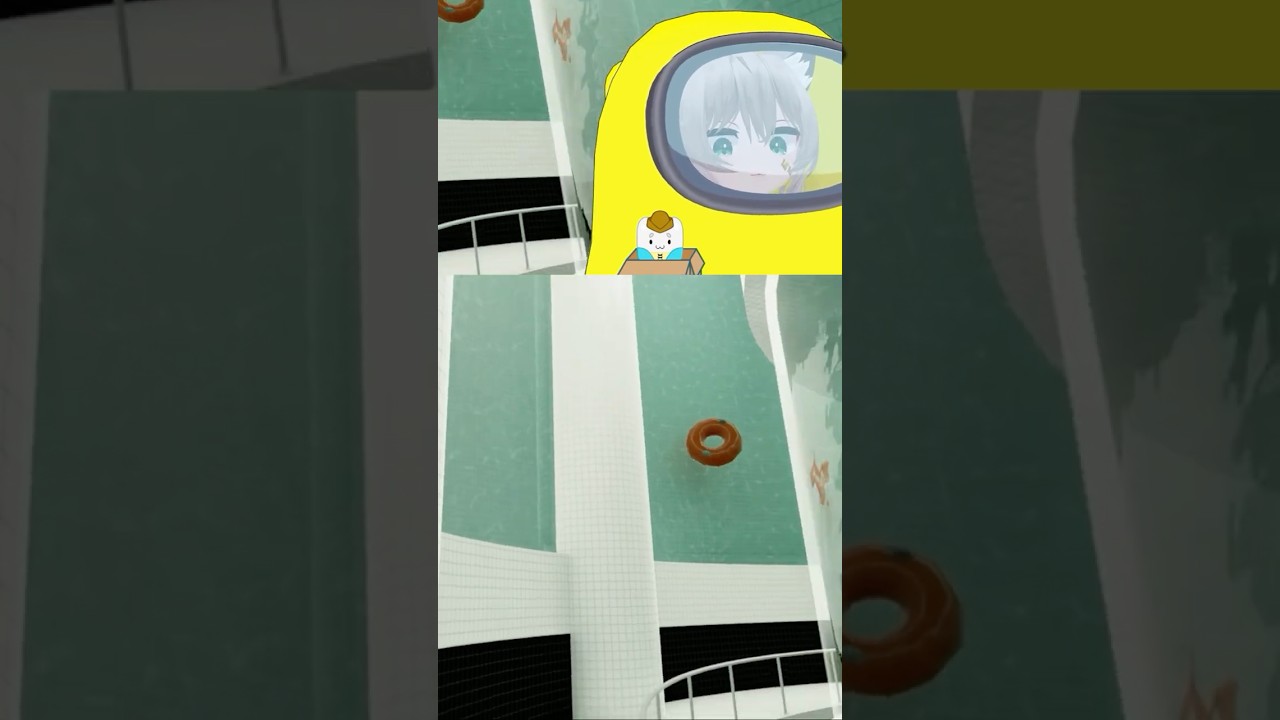
Here I'm playing the game POOLS in VR with a Meta Quest Pro using my 3D avatar with VMagicMirror
- Windows
- A headset with a VRCFaceTracking module
- SteamVR
- VRCFaceTracking
- You can use either VTube Studio or any app that uses iFacialMocap
- Put the headset on and start SteamVR.
- Open VR to VTuber. Pick VTube Studio or iFacialMocap. Press Start. Look straight ahead. That pose is the neck center.
- Open VRCFaceTracking. If it was already open, fully quit it and open it again. It only looks for the app when it starts. Turn Force Relevancy off, and make sure the module for your headset says it is tracking.
- Connect the app you picked:
- VTube Studio. Settings, turn Start API on, leave the port at
8001. The first time, allow VR to VTuber. - VMagicMirror. Face Tracking, iFacialMocap. Enter the address shown in the window (usually
127.0.0.1) and press Connect. Turn on Perfect Sync. - Warudo. Add an iFacialMocap Receiver and set its port to the port shown in the window (usually
49983). The model needs ARKit / Perfect Sync blendshapes.
- VTube Studio. Settings, turn Start API on, leave the port at
You can flip the switch while it is running. VRCFaceTracking stays connected. The other app starts receiving, and that side's sliders come back.
Three dots on the window tell you what is connected:
| Dot | Ready when it says |
|---|---|
| Neck | Connected (SteamVR) or Connected (OpenXR) |
| Face tracking | Connected |
| VTube Studio or iFacialMocap | Connected |
Press Reset neck any time you want a new center. Look straight ahead when you press it.
Neck uses SteamVR when it has a pose. If it does not, the app reads the OpenXR layer shared memory VRToVTS_HeadPose.
Move these while the app is running. Each output remembers its own positions. The first time you pick a side, you get the defaults that side shipped with.
| Slider | What it changes |
|---|---|
| Neck amount | How far your head turns, nods, and tilts |
| Eye size | How open the eyes are when your face is relaxed |
| Eye movement | How far the eyes look |
| Mouth open | How wide the mouth opens |
| Smile | The resting mouth, from a frown to a smile |
| Brows | How much the eyebrows move |
Flip turn, Flip nod, and Flip tilt reverse a neck axis if the model moves the wrong way.
On iFacialMocap, Send to is the address and port the packets go to. VMagicMirror and Warudo have to listen there.
- Neck stays on Waiting for tracking. SteamVR is not running, the headset is not tracking yet, and the OpenXR layer has no pose either. The neck does not wait for the vtubing app.
- Face tracking stays on Waiting for VRCFaceTracking. Quit VRCFaceTracking completely and open it again after you press Start. Your headset module inside VRCFaceTracking has to be active.
- VTube Studio stays on Waiting. Start API has to be on, port 8001, and the allow popup accepted. The saved permission is
vts_token.jsonnext to the program. - iFacialMocap stays on Waiting, or the model does not move. The address in the window has to be the one that app is listening on. VMagicMirror wants Perfect Sync on. Warudo's receiver port has to match.
- The model does not match what you see in the mirror. Brows, cheeks, and tongue only move if that model has those inputs hooked up.
- Eyes or mouth look extreme at rest. Bring Eye size and Smile back toward the middle. Switching output loads that side's sliders, which may sit higher.
app.py                     window entry
bridge/ui.py               the window and the switch
bridge/settings.py         which output, and the sliders saved per side
bridge/state.py            live values both sides share
bridge/face.py             eyes, mouth, brows
bridge/head.py             neck from SteamVR, then OpenXR
bridge/openxr_head.py      OpenXR shared memory
bridge/osc.py              the VRCFaceTracking receiver
bridge/outputs/vtube.py    VTube Studio API
bridge/outputs/ifacial.py  iFacialMocap UDP
bridge/runner.py           starts the pieces and swaps output live
bridge/update.py           one GitHub check when the window opens
pip install -r requirements.txt
python app.py
python app.py --ifm or python app.py --vts opens on that side. python -m bridge.runner runs without the window.
VERSION in bridge/update.py is the release you shipped. Publish the exe as a GitHub release whose tag is higher than that, and the window shows "Update available". That line opens the release page. Same or older tags, or no release yet, show nothing.
To build the single file people can double-click, on Windows:
build.batThat writes dist\VR to VTuber.exe. The build has to happen on Windows because the neck uses SteamVR. Keep icon.ico in the same folder.
vts_token.json is the VTube Studio permission. bridge_settings.json is the last switch position, the iFacialMocap address, and the sliders. Do not commit either.