MIQ is a lightweight macOS QuickLook extension for medical volume images. Press Space on a supported file in Finder to instantly get an interactive orthogonal slice view alongside a metadata panel:

See it in action in the short video at the bottom of this page.
- ✅ NIfTI-1 & NIfTI-2 —
.nii,.nii.gz - ✅ FreeSurfer —
.mgh,.mgz,.mgh.gz - ✅ MRtrix —
.mif,.mif.gz - ✳️ NRRD —
.nrrd(experimental, and only the single-file variant with attached header)
All formats are supported uncompressed and gzip-compressed. The extension relies on the file extension to determine the format, so it is important that files have the correct extensions.
The app and extension can be installed manually or via the package manager Homebrew.
The app is a universal binary for Apple Silicon (arm64) and Intel (x86_64) Macs and has been tested on macOS 14 (Sonoma), 15 (Sequoia), and 26 (Tahoe).
- 👉 Download the latest release (MIQ.app.zip)
- Unzip and move
MIQ.appto your/Applicationsfolder. - Open
MIQ.appat least once to register the Quick Look extension. - Press Space on any supported file in Finder.
- Optional: Customize the preview in the MIQ app.


"MIQ checks for updates, open the app occasionally to see update alerts. When a new version is available, download it and replace MIQ.app in /Applications manually."
- Install on the command line:
brew tap marcoduering/miq
brew trust --cask marcoduering/miq/miq
brew install --cask miq- Open
MIQ.app(in/Applications) at least once to register the Quick Look extension. - Press Space on any supported file in Finder.
- Optional: Customize the preview in the MIQ app.
brew update
brew upgrade --cask miqMIQ is a lightweight convenience tool for quickly inspecting medical image files directly from the Finder. It prioritizes speed and ease of use over advanced visualization, and is not meant to replace dedicated medical image viewers.
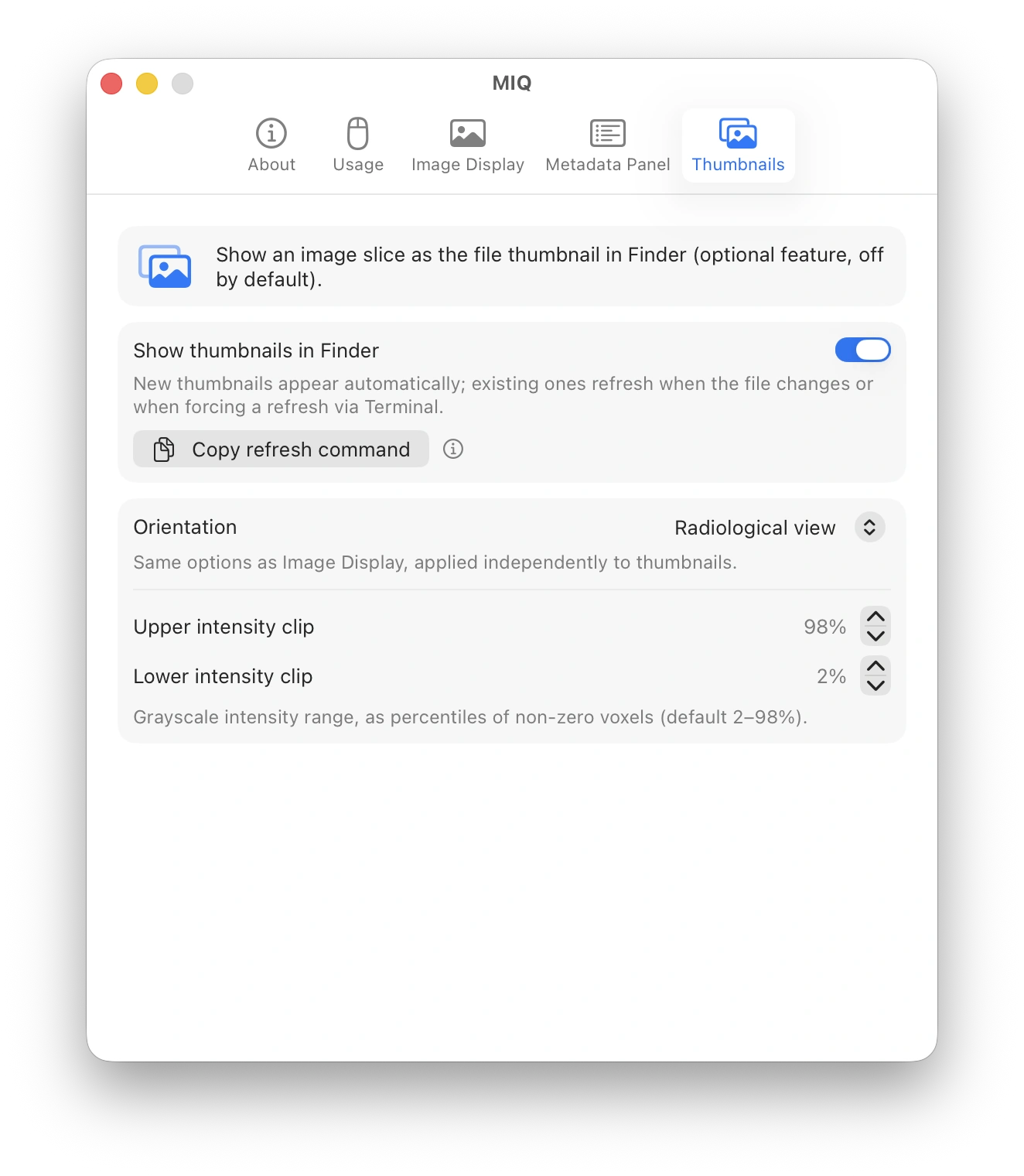
In addition to the image preview (spacebar), you can also enable thumbnail generation in the app so that the file icon in Finder shows an image slice.
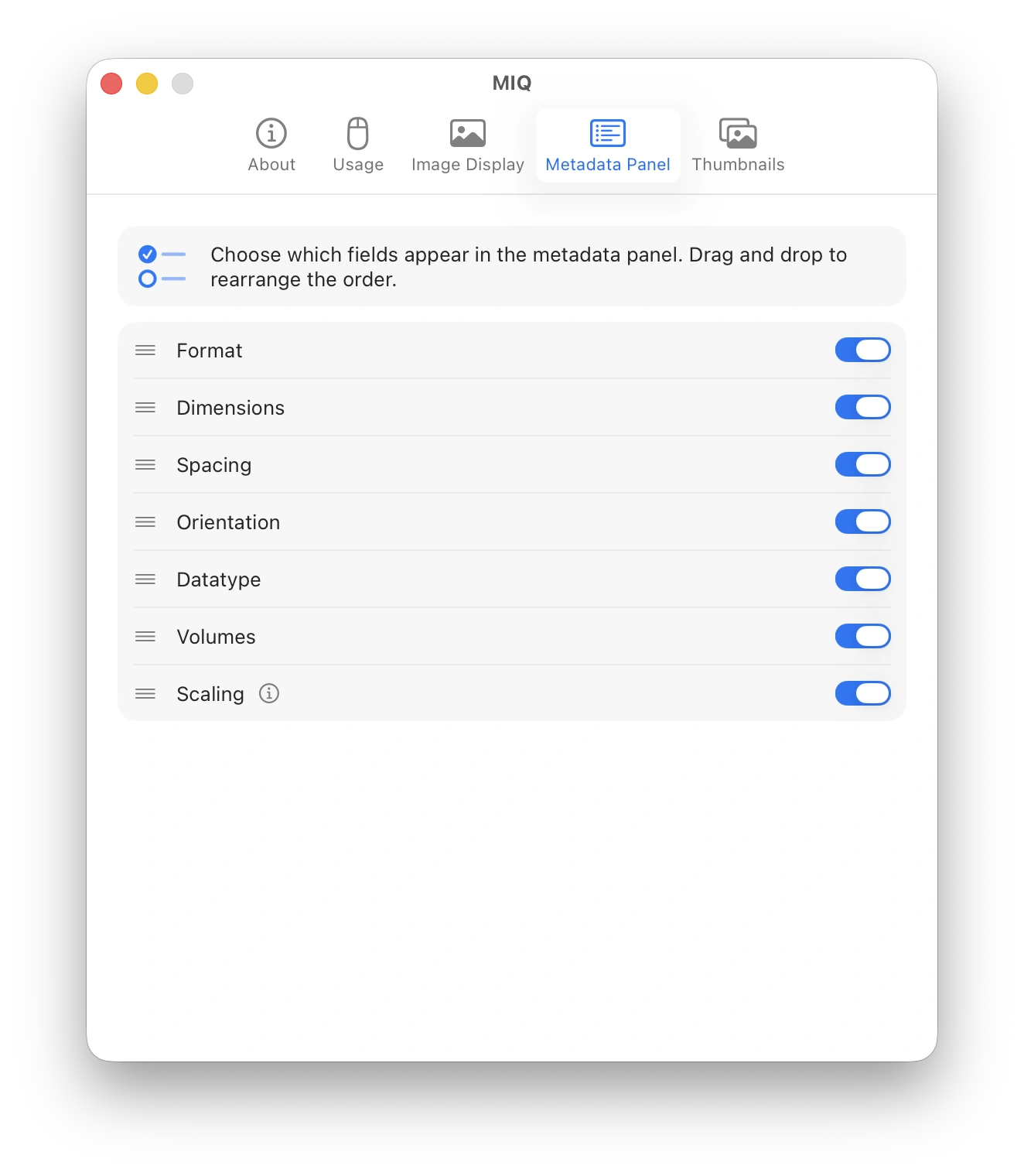
Use the settings (main app) to tailor the preview and thumbnails to your needs. Adjust render orientation (see explanation below), intensity scaling, label colors and the metadata panel (content and order of the items).
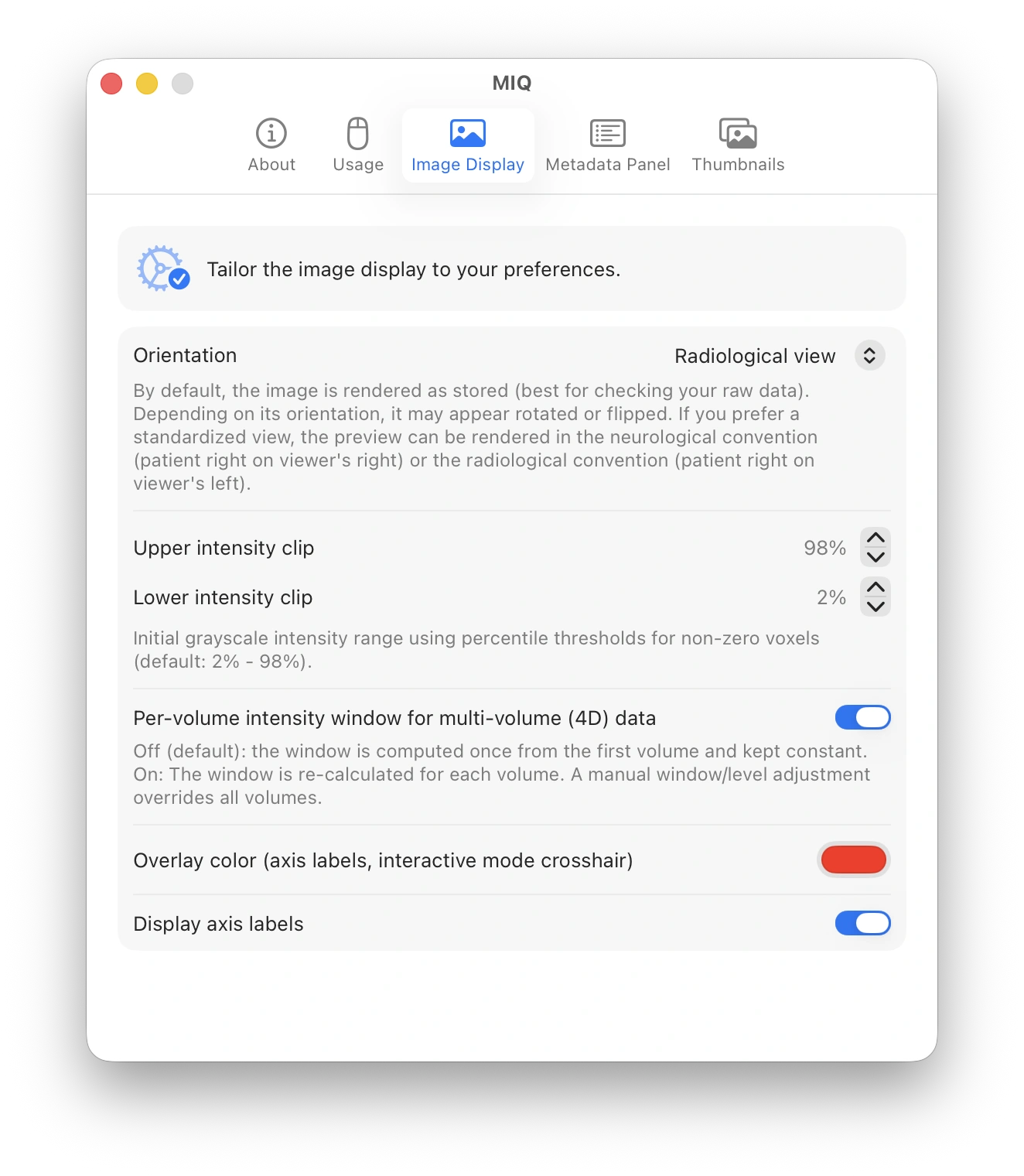
By default, MIQ displays data as stored on disk, without reorienting. Depending on acquisition and processing, images may appear upside down, mirrored, or rotated. This is by design. It lets you quickly inspect the raw data including its orientation. If desired, there are settings to reorient to Neurological view or Radiological view. In both reoriented conventions, sagittal displays patient anterior on the viewer's left.
See the Usage panel in the main app to learn how to control the interactive 4D view. Since version 0.5.0 MIQ supports previewing 4D data.
Uncompressed files are memory-mapped and load instantly. Compressed NIfTI (.nii.gz) is partially decompressed and loads quickly. Very large .mgz or .mif.gz files may take a few seconds to load.
macOS assigns Quick Look to file types based on their file name extensions. MIQ must claim .gz broadly to handle .nii.gz and .mif.gz files. This can interfere with other Quick Look extensions that also manage .gz files (for example, extensions for compressed archives or source code).
The most recently installed Quick Look extension should have priority, but this does not work consistently. You might need to deactivate another extension to reliably open gzip-compressed files with MIQ. This is a known limitation of how macOS Quick Look handles compound extensions like .nii.gz.
The extension is still in development. It was created with the support of AI coding agents. Please report any issues or feature suggestions using GitHub Issues. If you would like to contribute, see CONTRIBUTING.md or feel free to reach out.
MIQ is free and open source. If it's useful to you and you'd like to support its development, you can sponsor the project. Entirely optional, always appreciated.
MIQ is provided "as is" under MIT License, without warranty of any kind, express or implied. The authors and contributors accept no liability whatsoever for any direct, indirect, incidental, special, or consequential damages arising from the use or inability to use this software, including but not limited to data loss, incorrect image rendering, or any decisions made on the basis of previews generated by this tool.
Caution
This software is not a medical device and is not intended for diagnostic use. It is a developer and researcher convenience tool only. Do not use it to make clinical decisions.